AI Agents and Multi-Agent Patterns: From Intelligent Workflows to Production with Amazon Bedrock AgentCore
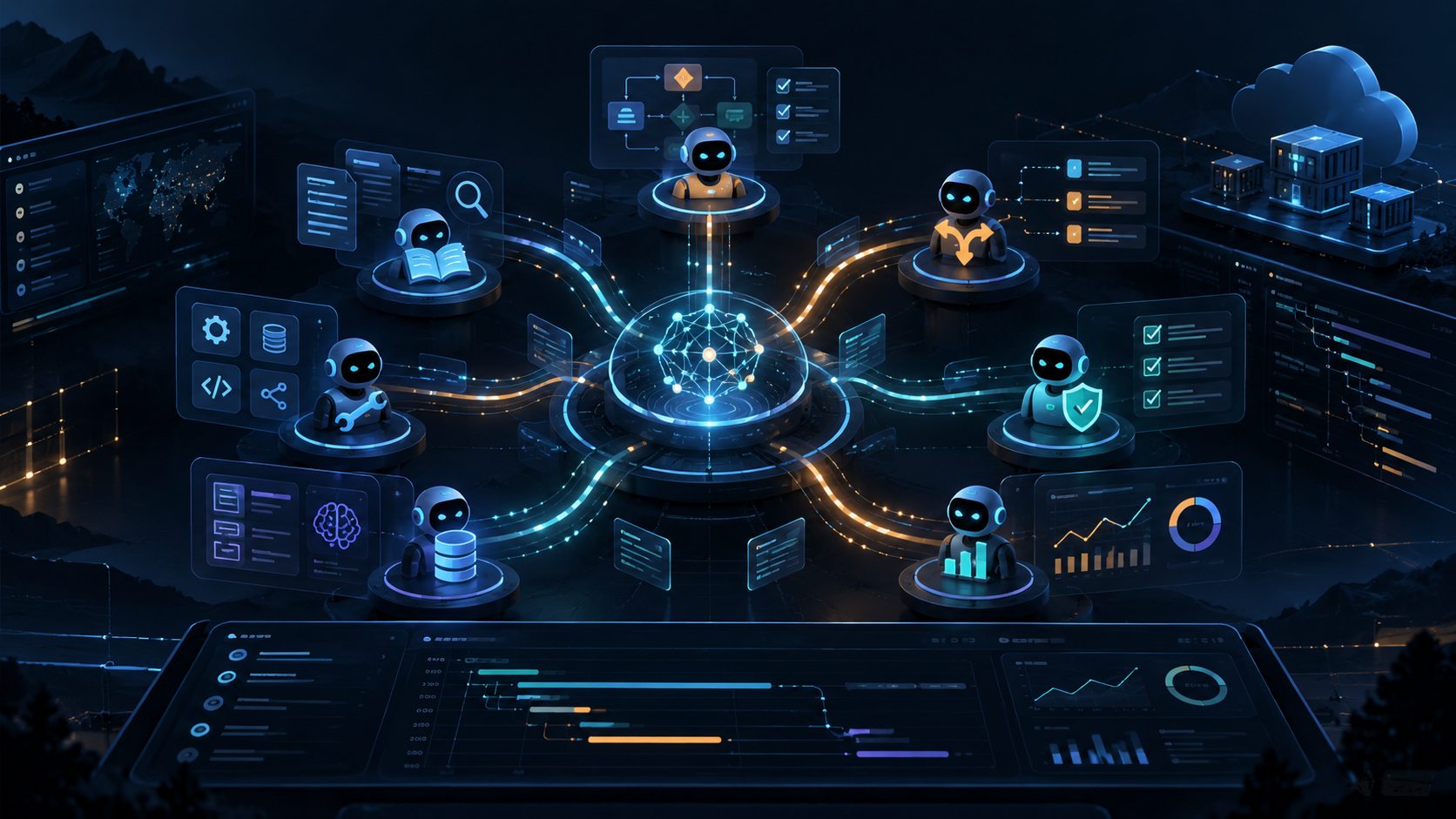
A chatbot answers a question. An AI agent tries to complete a goal.
That small difference changes the architecture. Instead of asking a model for one response, we give it a task, tools, context, and a controlled loop in which it can choose an action, inspect the result, and continue. The moment those actions touch real systems, we also inherit familiar engineering concerns: access control, retries, state, timeouts, observability, and cost.
Then comes the tempting idea: if one agent is useful, surely a team of agents is better?
Sometimes. But distributing intelligence creates many of the same problems as distributing software. We gain specialisation and parallel work at the price of coordination, failure handling, and more moving parts.
This guide explains the patterns I would consider before building a multi-agent system, and where Amazon Bedrock AgentCore fits when we need to move beyond a prototype.
First, What Is an AI Agent?
A useful working definition is:
An agent is a system that uses a model to decide what to do next, within constraints, to pursue a goal using tools and feedback.
A typical agent loop looks like this:
flowchart LR
    A[Goal and context] --> B[Model chooses next step]
    B --> C{Action needed?}
    C -->|Yes| D[Call approved tool]
    D --> E[Observe result]
    E --> B
    C -->|No| F[Return result]
Not every application needs that loop. If a fixed sequence of retrieval, model call, and validation solves the problem, an ordinary workflow is usually easier to test and operate. Agency is valuable when the next step genuinely depends on what the system discovers.
An agent also should not be confused with an LLM. The model supplies reasoning and generation; the surrounding application supplies execution, state, permissions, and lifecycle management.
One Agent or Many?
Start with one agent with well-defined tools. Add agents when there is an architectural reason, not because roles like researcher, planner, and critic sound impressive.
Multi-agent designs can help when:
- Work splits into independent tasks that can run concurrently.
- Specialists need different instructions, tools, data boundaries, or permissions.
- A separate verifier can meaningfully check the output of another agent.
- A long, complex task benefits from explicit hand-offs and ownership.
They are less compelling when tasks are tightly coupled, shared context is constantly changing, or the overhead of coordinating models outweighs the value of specialisation.
A second agent is not automatically a second opinion. Two agents using similar models and evidence may repeat the same mistake.
Five Multi-Agent Patterns Worth Knowing
1. Supervisor and Specialists
One supervisor decomposes the goal, delegates to domain specialists, and assembles the answer. Specialists do not need to know about the entire workflow.
flowchart TD
    U[User request] --> S[Supervisor]
    S --> R[Research agent]
    S --> D[Data agent]
    S --> W[Writing agent]
    R --> S
    D --> S
    W --> S
    S --> O[Validated response]
Good fit: incident investigation, complex research, or tasks requiring separate domain expertise.
Trade-off: the supervisor can become a latency and context bottleneck. Define structured input and output contracts rather than forwarding unlimited conversation histories.
2. Sequential Pipeline
Each agent owns one stage, and its output becomes the input to the next.
Planner → Implementer → Reviewer → Result
Good fit: drafting, code review, or document production with clear quality gates.
Trade-off: an early error travels downstream. Put schema validation and explicit acceptance criteria between stages. If every stage is deterministic, prefer a normal workflow over multiple agents.
3. Parallel Fan-Out and Fan-In
Independent agents work on separate subtasks at the same time; an aggregator merges their results.
flowchart TD
    A[Request] --> B[Task splitter]
    B --> C[Agent A]
    B --> D[Agent B]
    B --> E[Agent C]
    C --> F[Aggregator and verifier]
    D --> F
    E --> F
    F --> G[Result]
Good fit: comparing alternatives, searching independent sources, or analysing separate data sets.
Trade-off: parallelism can reduce wall-clock latency, but increases total model calls and creates partial-failure questions. Give each task a deadline and make aggregation tolerant of missing results.
4. Router and Handoff
A router chooses which specialist owns the request. A specialist may transfer control to another agent when the task crosses a domain boundary.
Good fit: customer service or enterprise assistants with distinct support, billing, and technical domains.
Trade-off: handoffs can loop or lose context. Record why control moved, retain a compact task state, and cap the number of transfers.
5. Generator and Critic
One agent proposes an answer; another checks it against explicit evidence or criteria. The first can revise the result.
Good fit: higher-stakes content, code changes, and structured analysis.
Trade-off: an endlessly self-correcting loop is expensive and can still miss shared blind spots. Bound the number of revisions, and prefer deterministic tests, retrieved evidence, or human approval where possible.
Choosing a Pattern
| Problem shape | Starting point | Main risk |
|---|---|---|
| A straightforward request with a few tools | Single agent | Unnecessary autonomy |
| Multiple distinct domains | Supervisor or router | Coordination and handoff errors |
| Fixed ordered stages | Pipeline | Error propagation |
| Independent subtasks | Parallel fan-out/fan-in | Cost and partial failure |
| Output needs challenge or verification | Generator/critic | False confidence and repeated loops |
These patterns can be combined. For example, a supervisor might parallelise research, then send the combined result through a reviewer. Keep the composition as simple as the task allows.
The Hard Part Is Not the Prompt
A diagram with three agents and four arrows is easy. A system that can safely recover from the second agent timing out after the first has changed production data is harder.
In practice, production-grade multi-agent systems need answers to six questions.
- State and memory: Which agent owns the task state? What persists across invocations, and what expires?
- Tool contracts: Can each tool be called with validated inputs and produce a predictable result? Are side effects idempotent?
- Identity and permissions: Which principal is acting, for which user, and with what least-privilege access?
- Failure and recovery: What happens on timeout, duplicate execution, partial success, or a broken handoff?
- Observability: Can we trace a user request across agent decisions, tool invocations, and model calls?
- Safety and cost: Where are the approval gates, budgets, execution limits, and protections against untrusted tool output?
That is the transition from agent experimentation to platform engineering.
Where Amazon Bedrock AgentCore Fits
Amazon Bedrock AgentCore addresses much of the operational infrastructure needed to run agents in production. It is not a magic supervisor, and it does not decide which multi-agent pattern is appropriate. You still implement the orchestration and business rules, often using an agent framework or your own application code.
AgentCore helps make those decisions deployable and governable.
| Production concern | AgentCore capability | What it helps with |
|---|---|---|
| Hosting and execution | Runtime | Managed execution of agent code, including session isolation |
| Context across interactions | Memory | Managed short-term and long-term memory capabilities |
| Connecting tools | Gateway | Making APIs, Lambda functions, and other integrations available through agent-friendly interfaces such as MCP |
| Credential management | Identity | Secure inbound/outbound authentication and delegated access to services |
| Tracing and diagnostics | Observability | Metrics, logs, and traces for understanding agent and tool behaviour |
| Browser or code tasks | Browser / Code Interpreter | Managed environments for browser interaction and code execution |
The practical benefit is separation of concerns: the application owns why and when agents collaborate; AgentCore supports where they execute, how they reach tools, and how operators secure and diagnose them.
An Example: Incident Investigation
Imagine an operations assistant handling: Why did checkout errors increase after today’s deployment?
A supervisor coordinates three specialists:
- Deployment agent: checks recent release and configuration changes.
- Telemetry agent: examines metrics, traces, and error trends.
- Runbook agent: retrieves known failure modes and approved remediation steps.
Their findings are merged into a hypothesis with supporting evidence. A verifier challenges weak claims, and any production write operation requires approval.
flowchart TD
    U[Incident request] --> O[Supervisor and orchestration]
    O --> A[Deployment specialist]
    O --> B[Telemetry specialist]
    O --> C[Runbook specialist]
    A --> G[AgentCore Gateway]
    B --> G
    C --> G
    G --> T[Approved APIs and MCP tools]
    A --> V[Evidence verifier]
    B --> V
    C --> V
    V --> H{Production action needed?}
    H -->|No| R[Diagnosis and evidence]
    H -->|Yes| P[Human approval and controlled execution]
    P --> R
In this design, agents can run on AgentCore Runtime. Gateway presents approved, domain-specific tools. Identity helps manage access to downstream systems. Memory can retain relevant context where appropriate. Observability helps trace what happened across calls.
Crucially, the supervisor, evidence verifier, deadlines, approval checks, and compensation logic still belong to your application architecture. AgentCore makes them easier to operate; it does not make them unnecessary.
AgentCore and MCP: Complementary, Not Competing
In my earlier posts, MCP Made Easy and Advanced MCP in Production, I described MCP as a consistent interface between AI applications and tools.
AgentCore Gateway builds on that idea: it can give agents a managed way to discover and invoke suitable tools, including through MCP. MCP standardises tool interaction; AgentCore supplies managed infrastructure around agent workloads and tool access. Neither replaces domain-level authorisation or proper business API design.
A Practical Production Checklist
Before shipping, I would check:
- Define ownership: one component owns each task, handoff, and final result.
- Constrain execution: bound agent iterations, token usage, time, concurrency, and spend.
- Validate boundaries: type-check tool inputs, sanitise outputs, and treat retrieved content as untrusted.
- Separate read from write: require explicit approval for high-impact or irreversible actions.
- Plan for retries: use idempotency keys and record side-effect outcomes.
- Limit memory: scope stored context to the right user or tenant, with retention and deletion rules.
- Trace the journey: propagate correlation IDs across agent and tool calls; configure logs and traces intentionally.
- Evaluate outcomes: test task success, security failures, latency, cost, and recovery against representative scenarios.
Do not assume observability or logging is magically complete: AgentCore provides built-in signals, but richer traces and log destinations may require configuration and instrumentation.
Final Thought
We should resist treating multi-agent systems as a race to create the most agents.
The best architecture is the smallest system that can reliably complete the task. Sometimes that is a deterministic workflow. Sometimes it is one agent with three good tools. Sometimes it genuinely requires independent specialists with a supervisor and a verification step.
Once that decision is made, Amazon Bedrock AgentCore provides a useful production foundation: managed execution, memory, tool connectivity, identity, and observability. It addresses much of the infrastructure burden so engineering teams can focus on orchestration, domain boundaries, and the behaviour that actually makes the system valuable.